 Instantly
 Smartlead
 Apollo
 lemlist
 Clay
 HubSpot
 Mailchimp
 Woodpecker
 Reply.io
 Saleshandy
 Zapier
 Make
 n8n




TL;DR
- Check the domain before, the address after. Drop leads whose domain can't receive mail before you pay to enrich them. Verify the final address once it's found.
- In a waterfall, verify once at the end. Checking 3 candidates per lead is 3,000 checks per 1,000 leads instead of 1,000.
- Re-verify before sending if the data is more than about 30 days old, and keep the status and check date next to each email.
The short answer
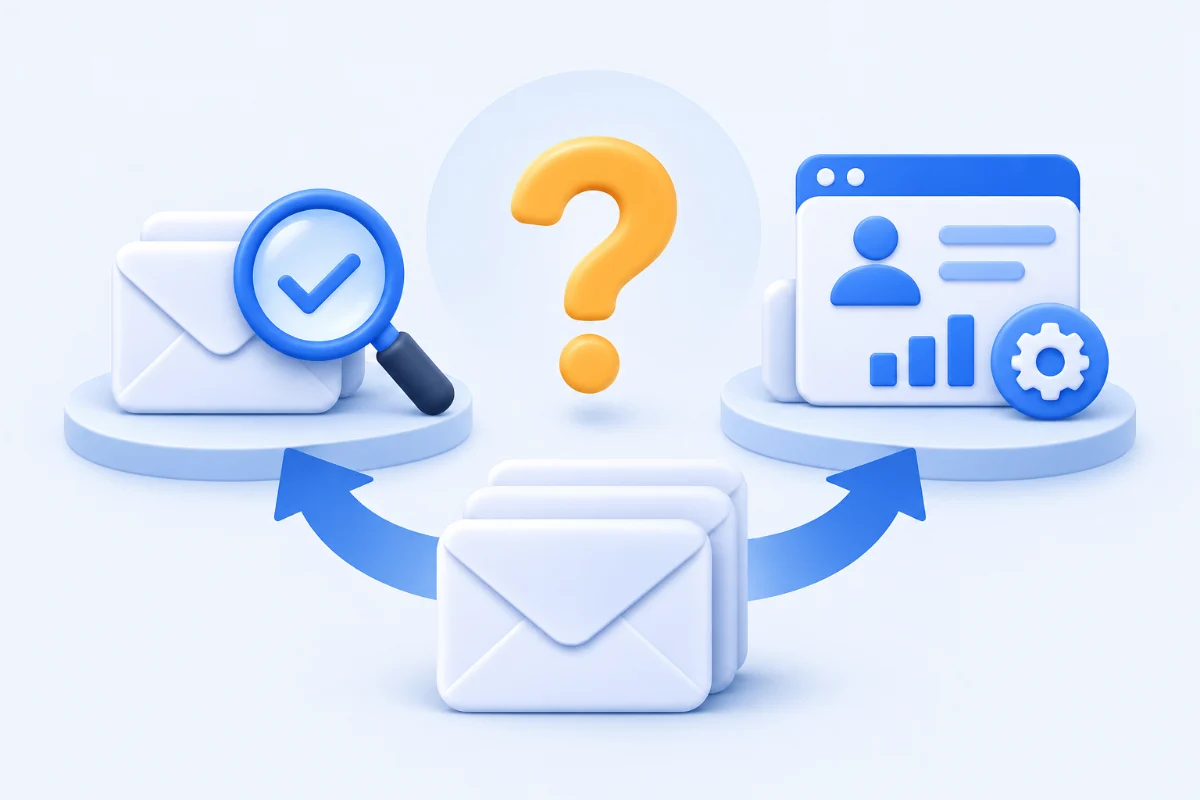
Verify after enrichment, on the address the enrichment step chose. Before enrichment there's no address to check, so a "verify first" step can only look at the domain, and that check is worth doing because it's cheap and stops you paying to enrich companies whose mail goes nowhere.
Then verify again before sending if time has passed. Enrichment and sending are often weeks apart, and business addresses die when people leave: in September 2026 the US saw 5.3 million job separations, 3.3% of employment in one month (BLS JOLTS, checked 2026-11-22).
The order of operations
- Source the lead. Collect the name, company and company domain from your lead source or list.
- Check the domain. Drop rows with no domain, duplicates, and domains that publish no mail (MX) records, before you pay to enrich them.
- Enrich. Find the work email through a lead database, a waterfall of providers or an email finder.
- Verify the final address. Run the address the enrichment step picked through a dedicated verifier, once per lead.
- Segment by result. Deliverable goes to sequences, catch-alls to a small separate test, undeliverable back to enrichment with that provider excluded.
- Re-verify before sending if time has passed. If more than about 30 days pass between the check and the send, verify again.
Store two fields with every email: the verification result and the date of the check. Then "is this still fresh?" becomes a filter, not a guess.
What to check before enrichment: the domain
You can't verify a mailbox you don't have yet, but you can check the company domain:
- No domain: drop or fix the row. Enrichment usually needs a company domain to work from.
- Domain with no mail records: a domain that publishes no MX records can't receive email at any address (see what is an MX record). Enriching it is wasted spend. In Mail Exchange's checks of 779,784 unique business addresses across 200,799 domains (17 Oct to 22 Nov 2026), 0.9% of addresses were on domains that don't receive mail.
- Duplicates: the same company or person from two sources. Remove them before enrichment, because most finders charge per lookup.
This is a filter, not verification. A domain that passes still has to have its final address checked.
Catch-all domains and guessed addresses
Many finders build a likely address from a pattern (first.last@, first@) and then try to confirm it. On a catch-all domain, confirmation is impossible: the server accepts every address, real or not, so a guessed address and a real one look identical to any verifier, including ours. We label those risky (low_deliverability) instead of deliverable.
How often you'll hit this depends on who hosts your targets' mail. In our data, domain by domain:
| Mail host | Domains | Share catch-all |
|---|---|---|
| Google Workspace | 83,789 | 51.9% |
| Other hosts | 54,070 | 25.6% |
| Microsoft 365 | 51,853 | 0.1% |
From Mail Exchange's checks of 779,784 unique business addresses across 200,799 domains (17 Oct to 22 Nov 2026), domains where our catch-all test reached a verdict. Caveat: mostly B2B PR, media and marketing contact lists processed through our API, not a random sample of all email, verified by one service. Microsoft 365 rejects unknown recipients by default, which is why it's near zero.
So an enriched list of startups on Google Workspace will carry many more unconfirmable addresses than a list of enterprises on Microsoft 365. Hunter's test found catch-all addresses bounced 27% of the time against 1% for valid ones (Hunter, checked 2026-11-22). Treat catch-alls as their own segment: should you send to catch-all emails?
Why provider statuses aren't enough
Lead databases label emails "verified" or similar, and many now run their own validation. Apollo, for example, says its waterfall draws on "20+ data partners" and that when you select email validation "each email is run through data validation partners before it reaches your team"; it cites a "45% lower email bounce rate" based on 2 months of beta-customer usage data (Apollo waterfall, checked 2026-11-22). Apollo's own bounce troubleshooting guide recommends putting only verified or "likely to engage" addresses into sequences (checked 2026-11-22).
That's useful, but it's still a label from the moment of the provider's check, produced by its method. It says nothing about the weeks between enrichment and your send. Treat it as a hint and run your own check close to the send date. More: Apollo's statuses vs a dedicated verifier and why Apollo emails bounce.
Waterfalls and cost: verify once, at the end
In a waterfall, providers are tried in turn until one returns an address. Some setups verify every candidate along the way. That multiplies cost without improving the final answer, because only one address goes to the sequence.
| Approach | Checks per 1,000 leads | At $0.0030 a check (our 100K pack) |
|---|---|---|
| Verify each of 3 candidates | 3,000 | $9.00 |
| Verify the final pick only | 1,000 | $3.00 |
If the final pick comes back undeliverable, rerun the waterfall with that provider excluded, then verify the new pick. That adds checks only for the leads that failed, not for all of them.
In Clay, the verify step is one HTTP API column that calls POST https://mailexchange.com/api/v1/verify with the found email and writes back state, reason and accept_all. The API is live; create an API key in your account. There's no native Clay integration: see Clay email verification and Clay vs a dedicated verifier.
When to verify again
- Before the first send, if more than about 30 days passed since enrichment.
- Before late sequence steps, if a sequence runs for weeks.
- Before reusing an old list for a new campaign. See how often should you verify your list?
Re-checking costs one credit per address. Our credits never expire, so a re-check budget bought now is still there next quarter.
A worked order of operations
- 500 leads enter a table with name and company domain.
- The domain check removes 12 duplicates and 8 rows whose domains publish no MX records: 480 go to enrichment.
- The waterfall finds 410 emails.
- Verify the 410 final addresses, one check each. Suppose 340 come back deliverable, 40 risky and 30 undeliverable.
- Rerun the waterfall for the 30 undeliverable, excluding the provider that returned them, and verify the new picks.
- Sequence the deliverable addresses; test the risky ones in a small separate slice.
- If the launch slips to six weeks after enrichment, re-verify before sending.
The counts are illustrative, not a benchmark. The 410 checks fit in a 5,000 pack at $29, and the leftover credits don't expire. Start with the free trial to see the result format on your own leads.
FAQ
Should I verify emails before or after enrichment?
After. Verify the final address once it has been found, and verify again before sending if the data has aged. The only useful check before enrichment is on the domain: drop rows whose domain doesn't receive mail, so you don't pay to enrich them.
How often should enriched emails be re-verified?
Before sending, whenever more than about 30 days have passed since the last check. People change jobs all the time, and a work address usually stops working when they leave.
Do I need to verify emails from a lead database?
Yes. Database statuses such as verified are point-in-time labels produced by each provider's own method, not proof that the mailbox accepts mail today. Run your own check before the address goes into a sequence.
Should I verify every candidate in a waterfall?
No. Verify only the address the waterfall finally picks. Verifying every provider's candidate multiplies the cost: three candidates per lead means three checks instead of one. If the final pick comes back undeliverable, rerun the waterfall without that provider and verify the new pick.
 Google Sheets